
What's this?
Reload failure/abort events can be forwarded to Signl4, where they become incidents that are tracked, (maybe) escalated and eventually (hopefully!) closed.
Example here.
How it works
Signl4 exposes webhooks through which incidents can be created. The Butler.incidentTool.signl4.url is used to specify this webhook.
To use Butler with Signl4 you must first create a Signl4 team. Then note the secret key for that team:
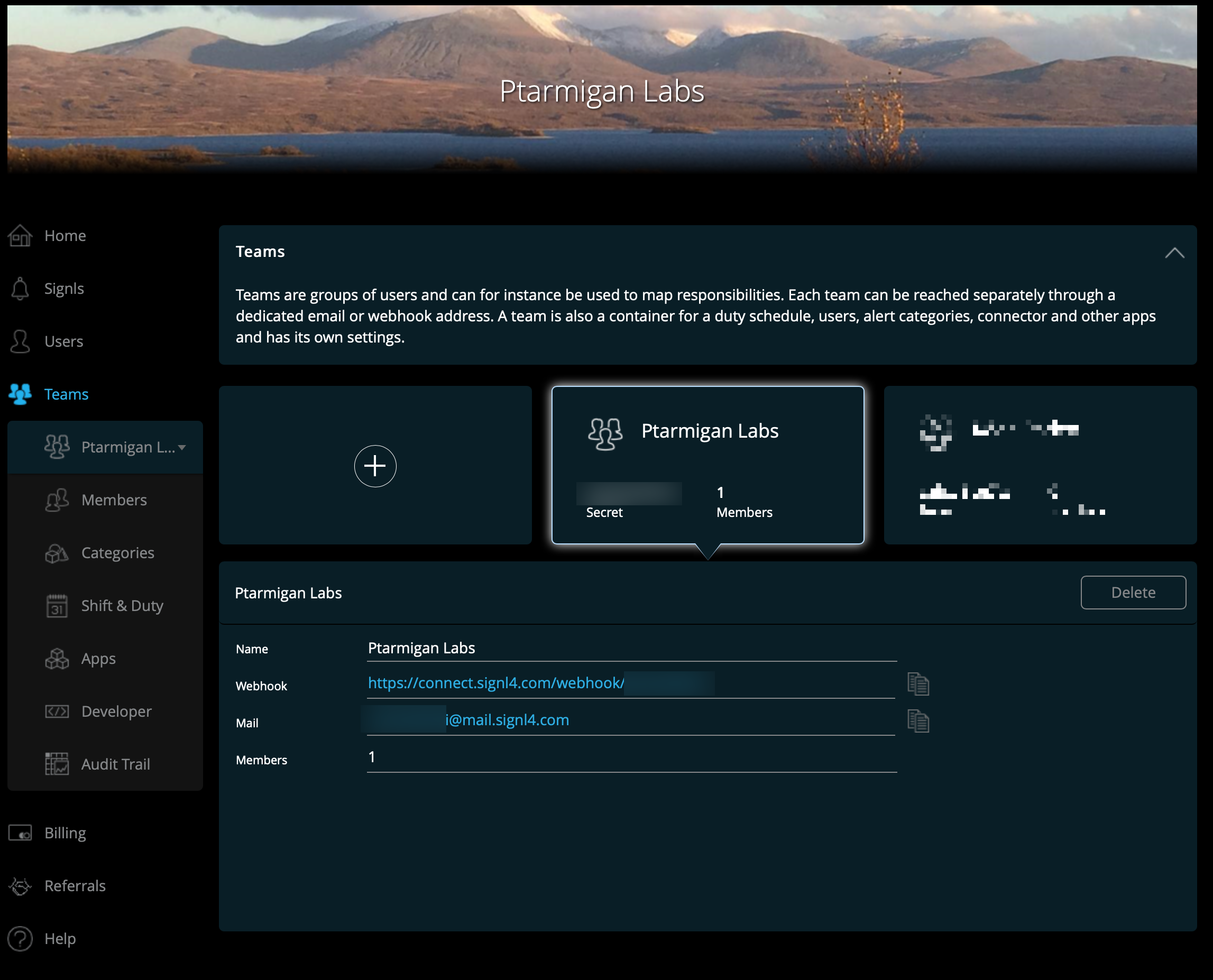
Signl4 team config
More info about the webhooks can be found in Signl4's developer docs.
Settings in config file
yaml
---
Butler:
  ...
  ...
  # Incident management tools integration
  # Used to trigger incidents in these tools when task reloads fail or are aborted
  incidentTool:
    signl4:
      enable: false               # Enable/disable Signl4 integration as a whole
      url: https://connect.signl4.com/webhook/abcde12345
      reloadTaskFailure:
        enable: false             # Enable/disable reload failed handling in Signl4
        rateLimit: 15             # Min seconds between emails for a given taskID. Defaults to 5 minutes
        serviceName: Qlik Sense   # Signl4 "service name" to use
        severity: 1               # Signl4 severity level for failed reloads
      reloadTaskAborted:
        enable: false             # Enable/disable reload aborted handling in Signl4
        rateLimit: 15             # Min seconds between emails for a given taskID. Defaults to 5 minutes
        serviceName: Qlik Sense   # Signl4 "service name" to use
        severity: 10              # Signl4 severity level for aborted reloads
  ...
  ...